
Every timezone.
One timeline.
Built for remote teams, nomads, and travelers. No more Googling "PST to London" or second-guessing when your meeting starts.


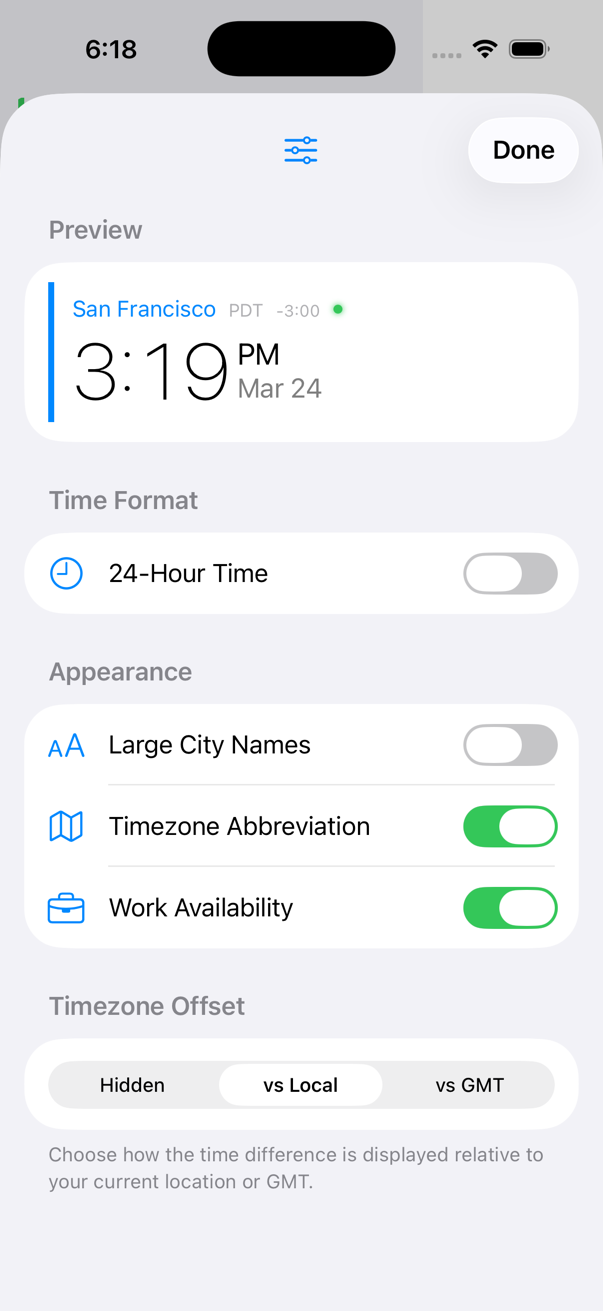
Make each city yours
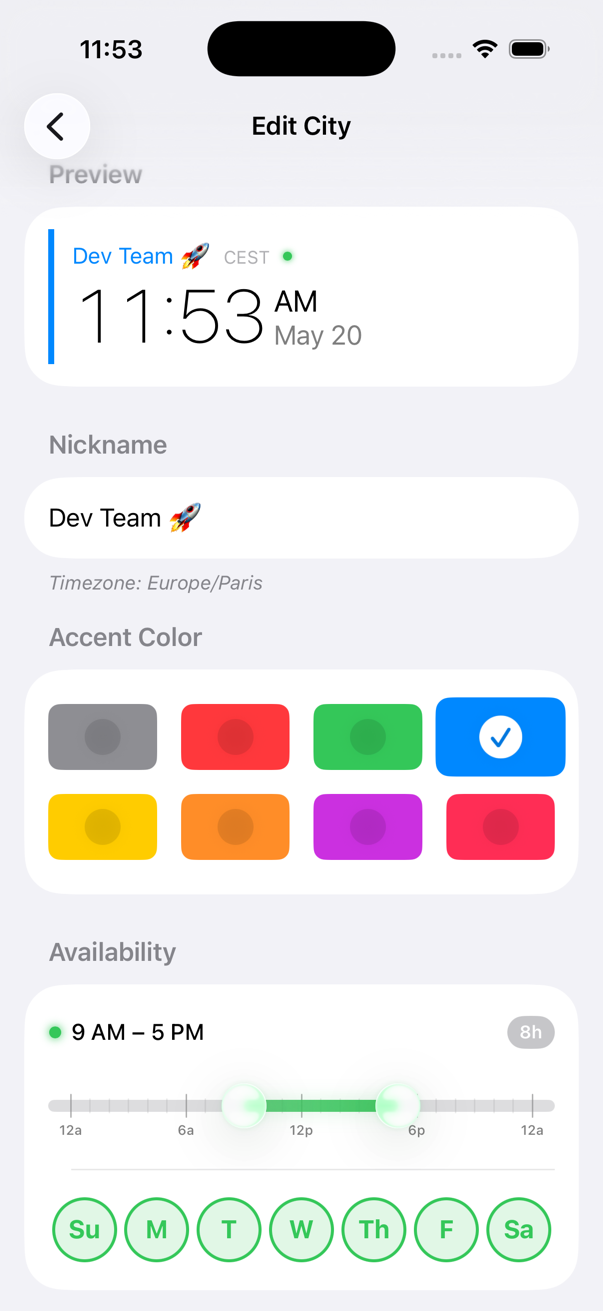
Customize with accent colors, nicknames, and set availability times for your cities.
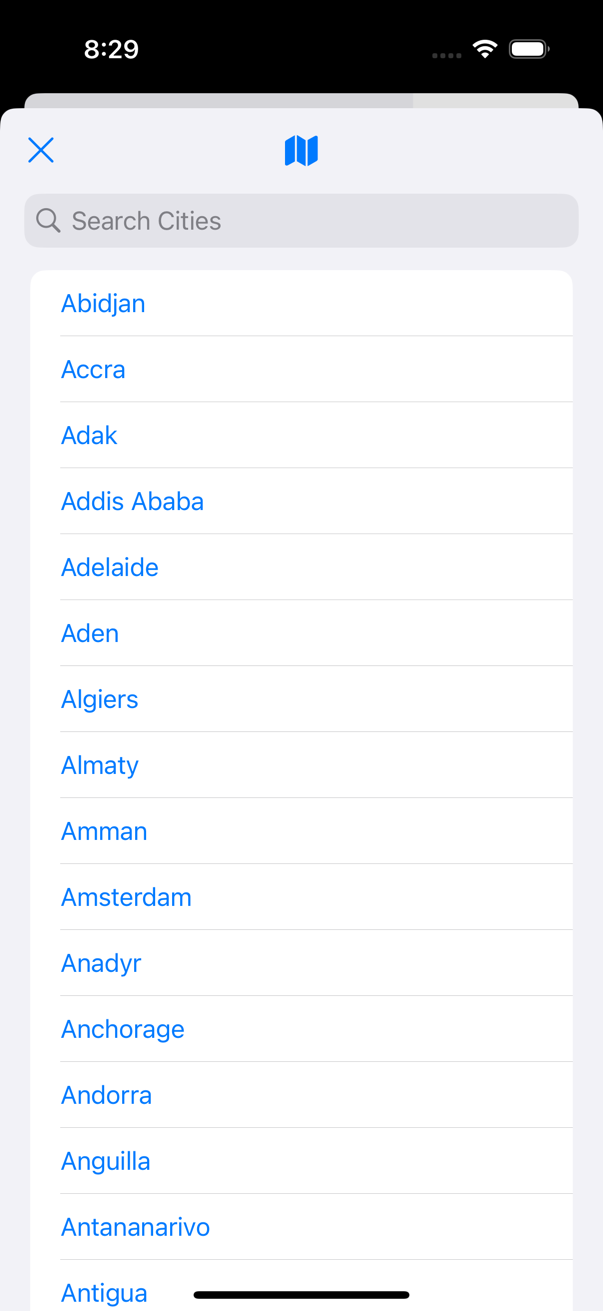
Every timezone
Search for your city or region and add with a single tap. UTC, GMT, and Military (Zulu) time included.
Beautiful in any light
Every feature is built to feel smooth and stay out of your way. Clean by default, powerful when the moment calls for it.
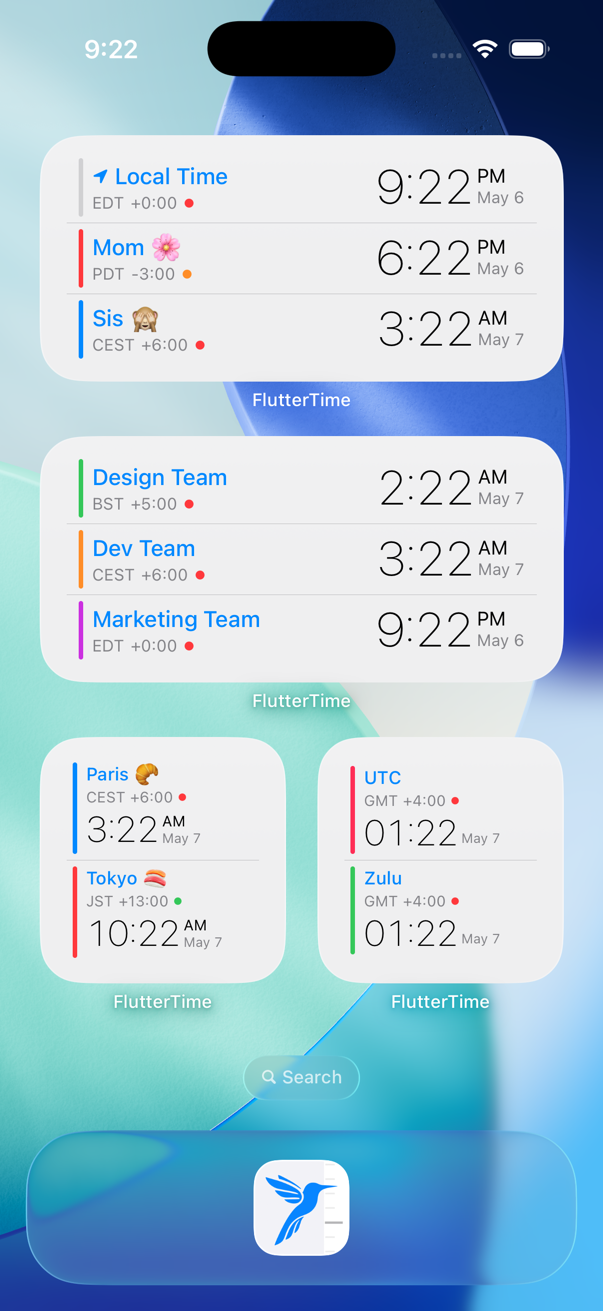
Your people, a glance away
Build a widget for family, the work crew, that side project, the gym group. People you care about, on your home screen.
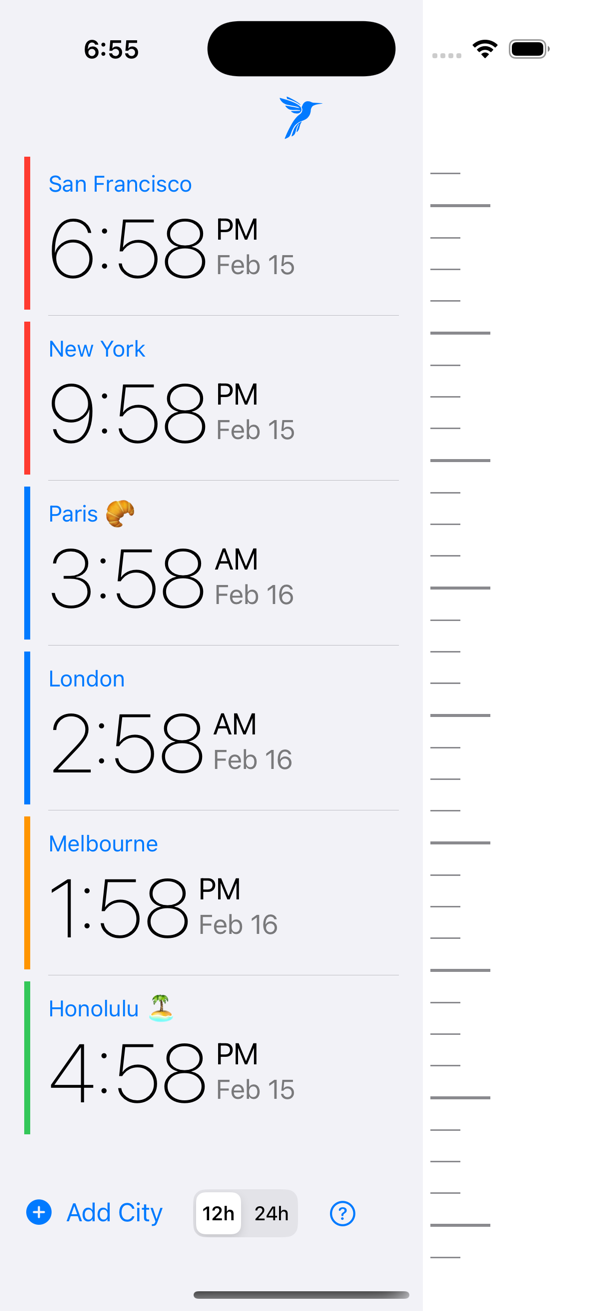
Add your cities
Search any city. UTC, GMT and Zulu time are baked in for pilots and developers.
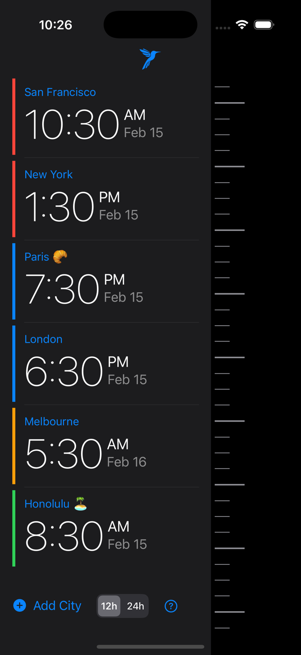
Scroll the timeline
Move forward or back in time. Every row glides together so the overlap is obvious.
Create a calendar invite
Swipe on a city to send the meeting to your calendar. Goodbye 6am calls.
Most helpful app
Cannot believe how many meetings I missed before this. Best app ever. So simple yet so useful.
Just a scroll away
I was finding it challenging to navigate between time zones and had to use websites for calculations. This app offers all the features I require. Timezone calculations are just a scroll away. ❤️
Best in class app and it is free!!!
I am amazed that this app is free and works like a charm. Zero tracking. Love it.
Free.
No paywall. No ads. No tracking.
Need a quick conversion right now?
No download needed. Try the free web timezone converter!
PST to EST,
New York to London,
or browse all time zone conversions.